Click two points on the photo: the dimension measures itself. On site, your teams add dimensions with a finger in Survey; at the office, the Annotator adds the rest.
Photo of the window bay: click two points to measure the distance between them.
Kantom.appFrosted office glassSaved
ExportSave
⋮⋮100%
Panel
Layers
Dimensions0
Zones0
Notes0
Drawings0
Annotations
(0)
Accuracy OK
765 mm
Kantom.appFrosted office glassSaved
ExportSave
⋮⋮100%
Panel
Layers
Dimensions0
Zones0
Notes0
Drawings0
Annotations
(0)
Accuracy OK
765 mm
Photo already calibrated: the target on the glass gives the scale.
Cutting simulators
Less waste, worked out in one click.
Kantom nests your pieces as tightly as possible and does the maths for you: you know straight away what to order, and your reusable offcuts go back into stock.
PiecesRotated 90°CutOffcutsReusable offcut1,520 mm × 8,250 mm — 19 pieces
Zones / Pieces to cutPaste sizesCopyClear all
NameWidthHeightQtyArea
Window pane A1,500 mm500 mm107.50 m²
Window pane B1,400 mm450 mm53.15 m²
Transom1,000 mm300 mm20.60 m²
Spandrel1,500 mm250 mm20.75 m²
Front paneWidthHeightQtyAdd
Settings
Roll width (mm)1,520
Side margin (mm)0
Piece margin (mm)0
Rotate 90°
Keep offcuts
Minimum offcut300
19 pieces nested
As tight as possible on the roll
Cutting plan ready
Production file created
Offcut stored in stock
Reusable on a later job
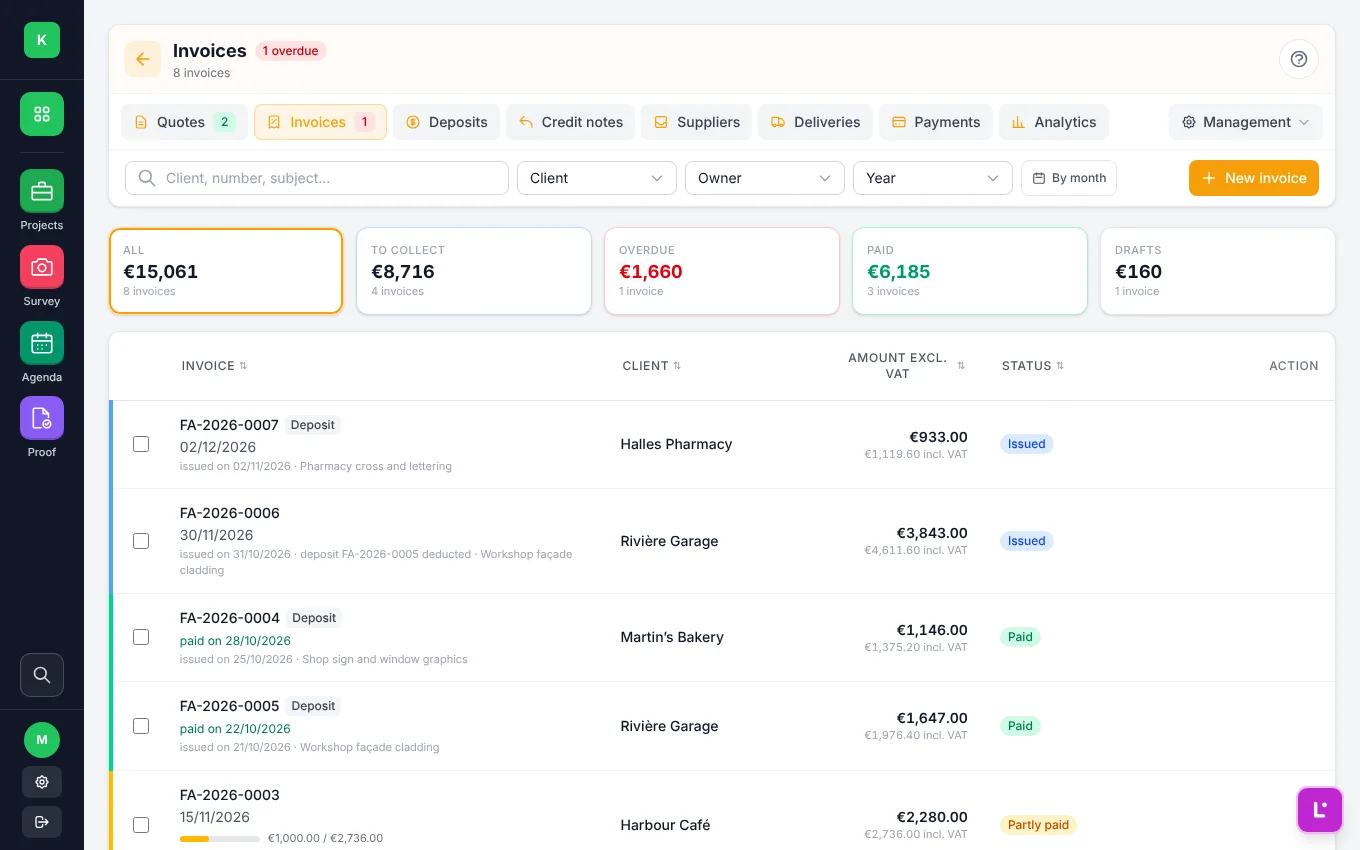
Invoicing
From signed quote
to invoice paid.
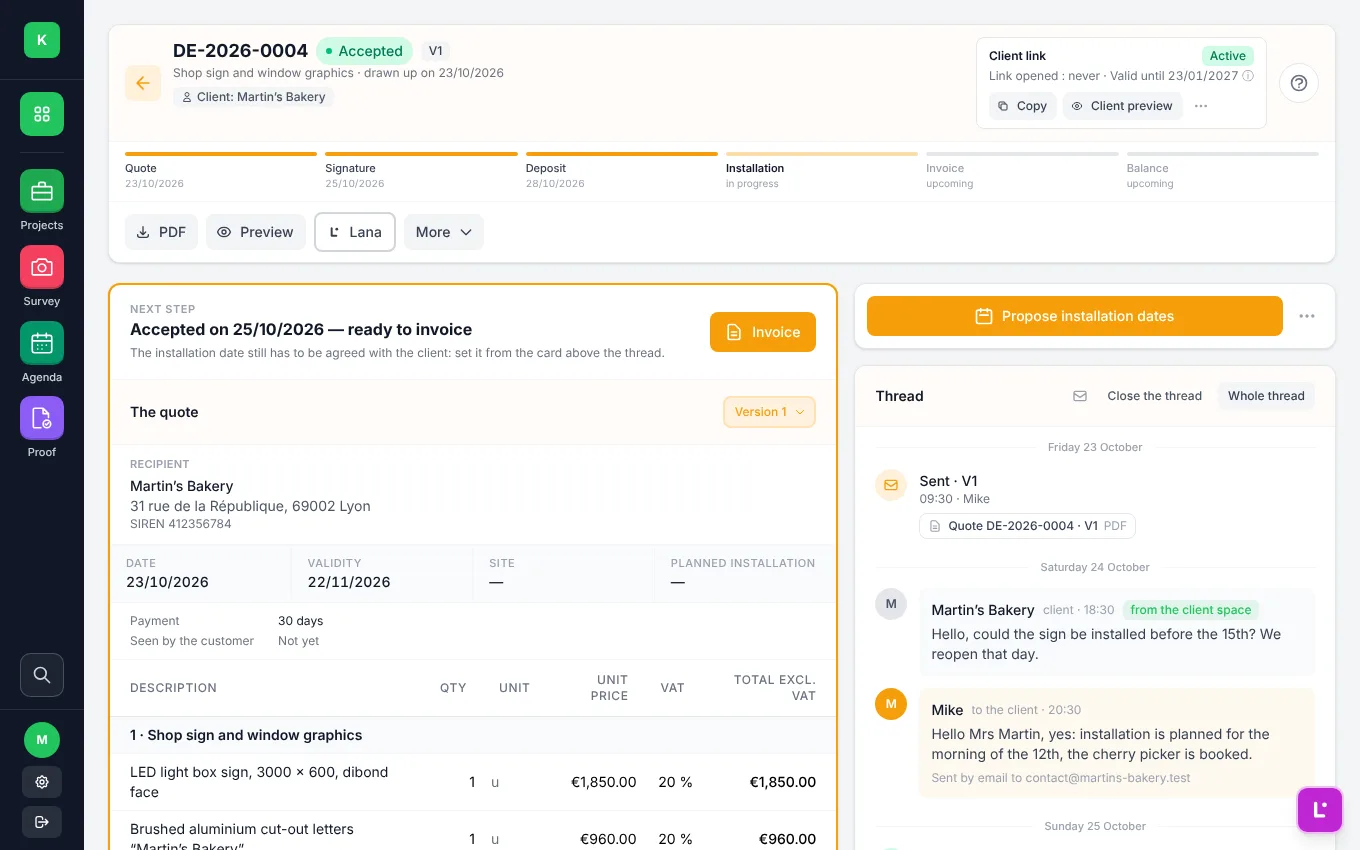
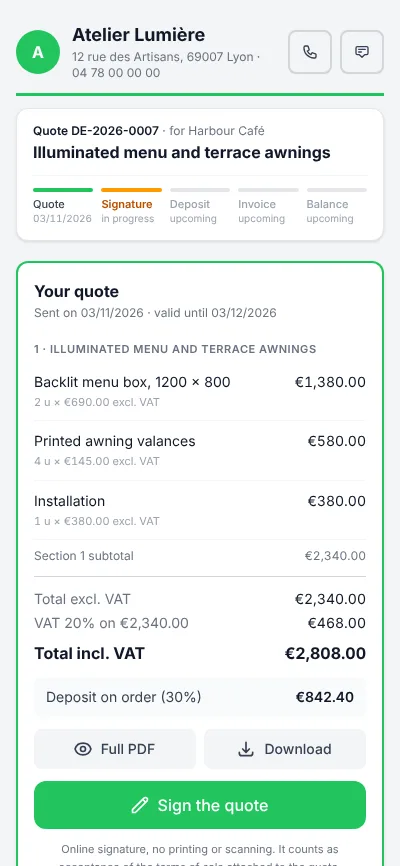
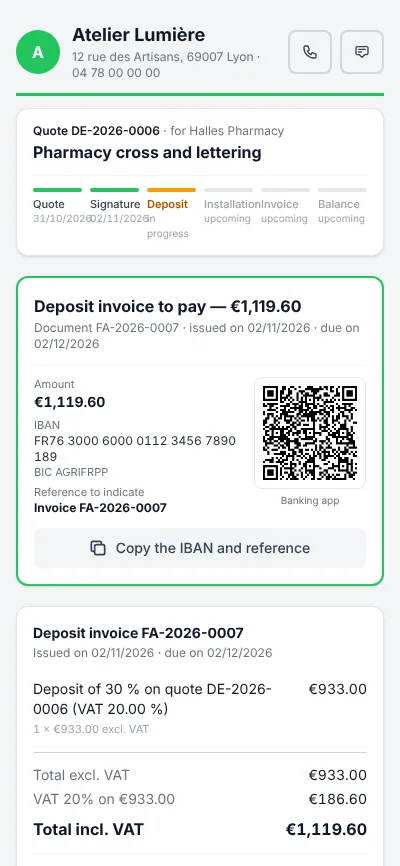
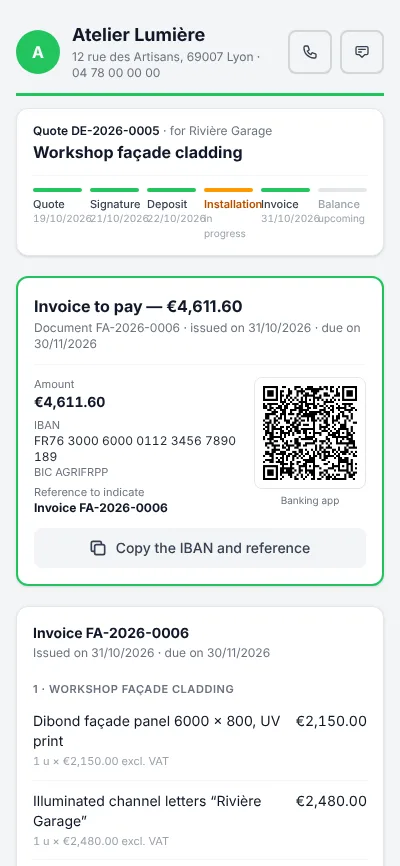
Every client gets their own
client portal: they sign the quote online, pay the deposit by bank transfer and find all their documents in one place. You follow everything from Kantom, and reminders go out on their own.